Item Move Audit Ledger — How to use
Watch an item, preserve its cross-board move history, and export tamper-evident evidence.
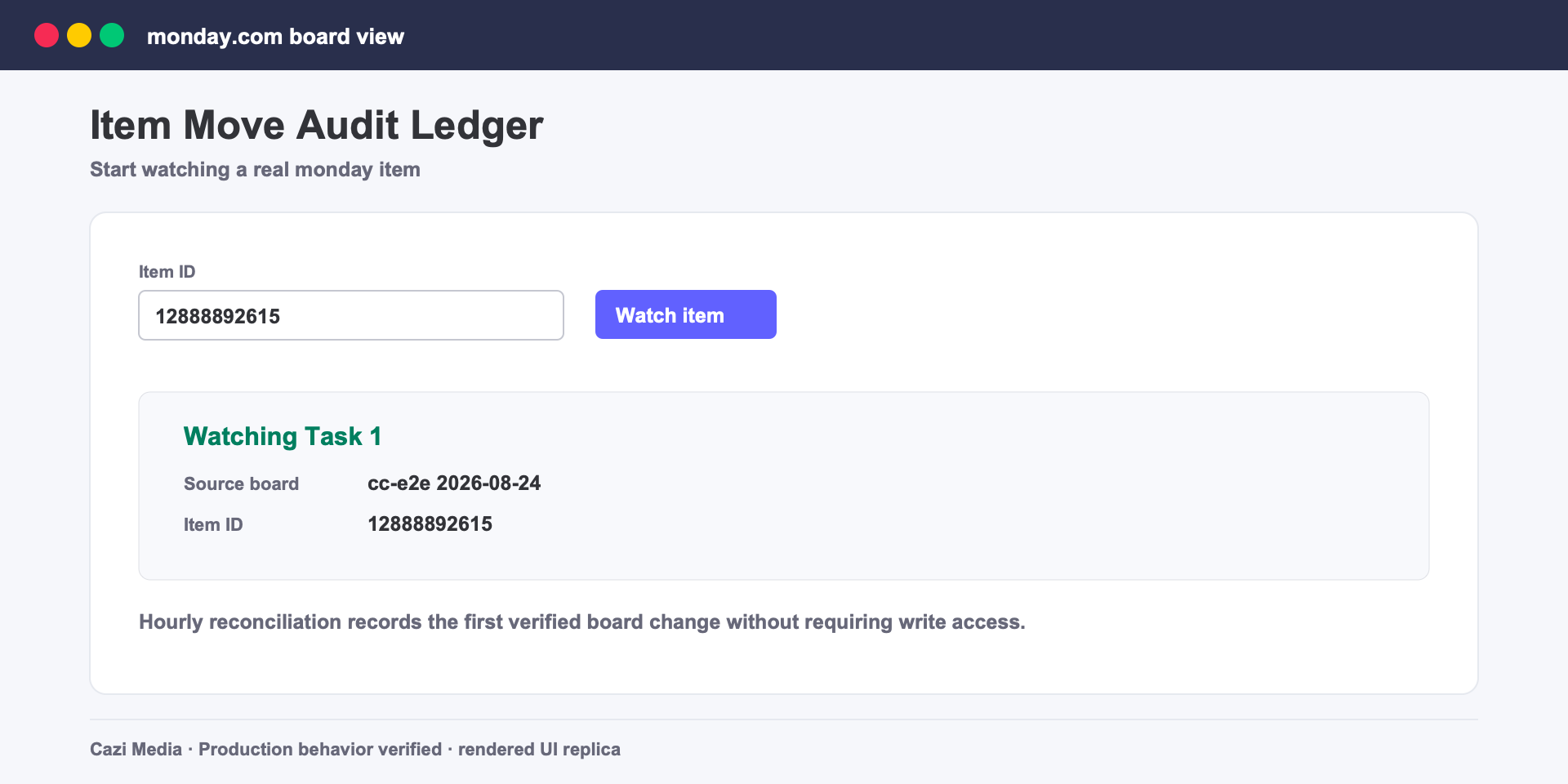
Steps
1Add the board view. Open a board, choose Add view → Apps → Item Move Audit Ledger.
2Watch an item. Paste its numeric item ID and select Watch item.
3Move it normally. The hourly reconciliation records the first verified board change and seals the activity around it.
4Export evidence. Download the authenticated JSON ledger or paginated PDF. Each artifact carries its chain root.
Safety and limits
- The app requests read-only board access and never moves or edits items.
- A fast move away and back between hourly checks may not be observed.
- Artifacts and ledger entries are retained for 365 days, then deleted automatically.
Support: [email protected]