Template Drift Repair — How to use
Capture a canonical board, compare another board, and apply only safe, non-destructive repairs.
Steps
1Capture a template. Enter the canonical board ID and a template name, then save the returned template ID.
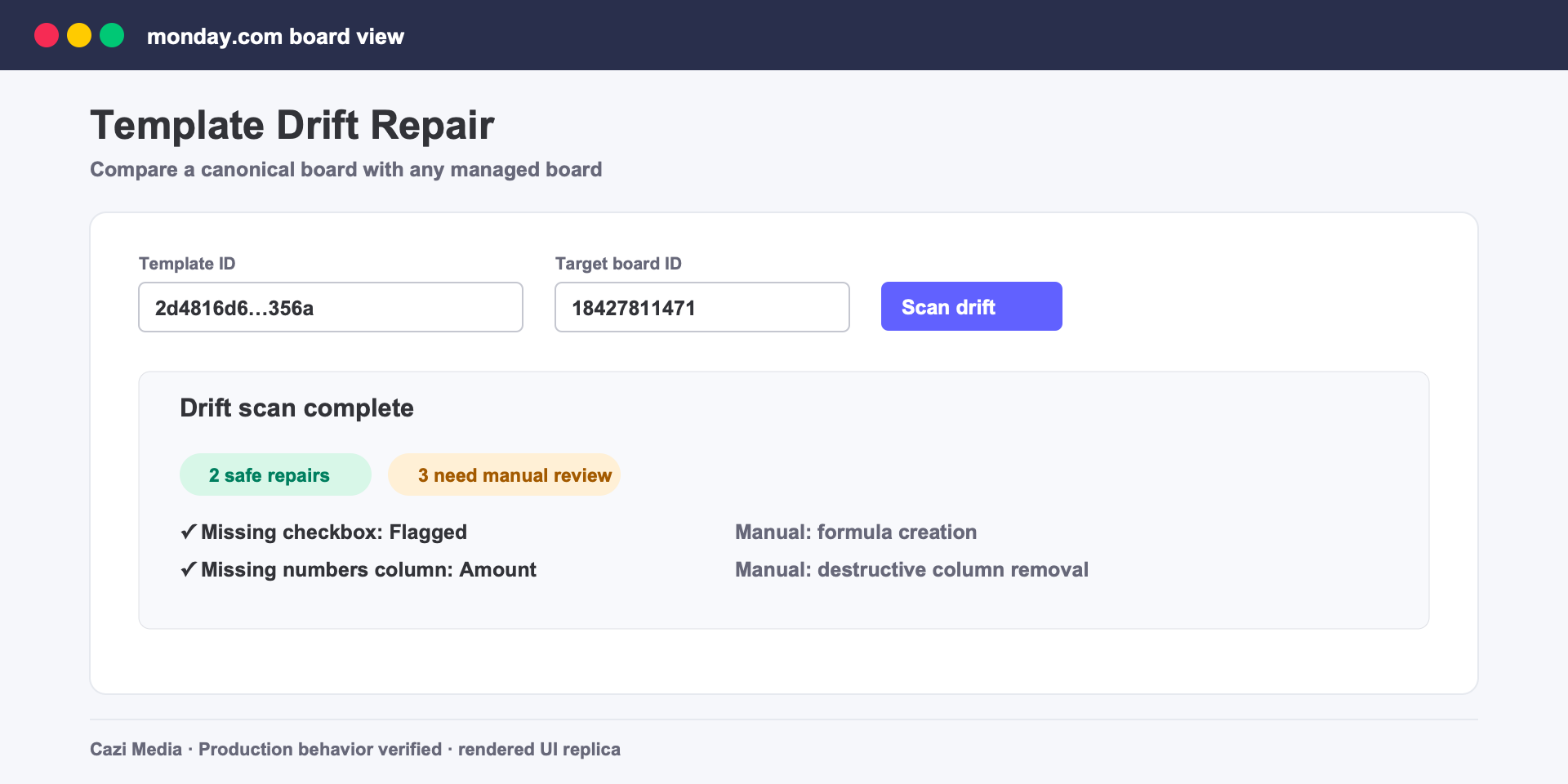
2Scan a target. Enter the template ID and target board ID to see safe and manual drift separately.
3Review the plan. The app can add supported missing columns and groups. Deletions, type changes, formulas, and unsafe settings remain manual.
4Repair and explain. Apply the safe plan, then request a bounded AI explanation. A deterministic explanation remains available if AI is unavailable.
Safety and limits
- View-only users cannot capture templates, manage boards, repair drift, or delete account data.
- AI input is limited to change kinds and counts, cached by schema hash, and capped per account.
- Audit records are retained for 60 days; cached AI explanations are retained for 30 days.
Support: [email protected]